HOW IT WORKS (Claim Listings)
As a business owner, you can claim your main listing (or create your listing) for a very minimal monthly price. If you need additional listings, there is a small monthly cost per listing. You can also upgrade to one of our premium plans for additional benefits and exposure.
Claim your business
Step 1: Find your business
In the search box above, select the appropriate niche (e.g., Plumbers), or choose All Niches. You can also enter part of your business name or address to narrow the results. Then click SEARCH.
Optionally, you can click here to view all listings:

Scroll through the businesses until you locate your listing. If your business is not listed, go to “Create your listing” below.
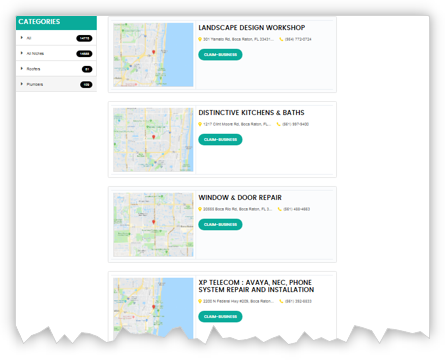
Step 2: Claim your business
Click on the CLAIM BUSINESS link in your listing.
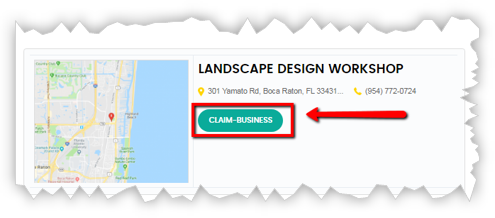
Step 3: Fill in your information and create your account
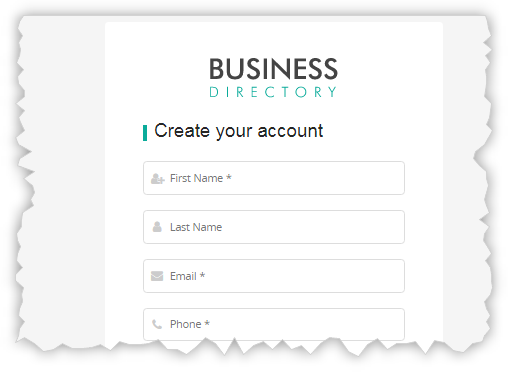
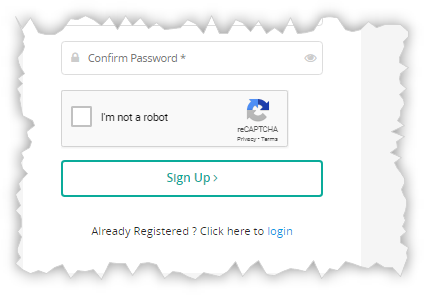
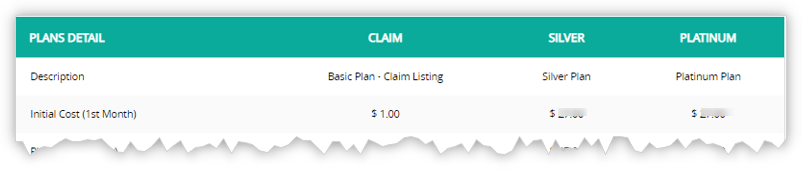
Step 4: Select your plan
Choose the Basic “Claim” Plan or upgrade to the Silver or Platinum Plan based on the benefits you need. All features are shown in the chart.
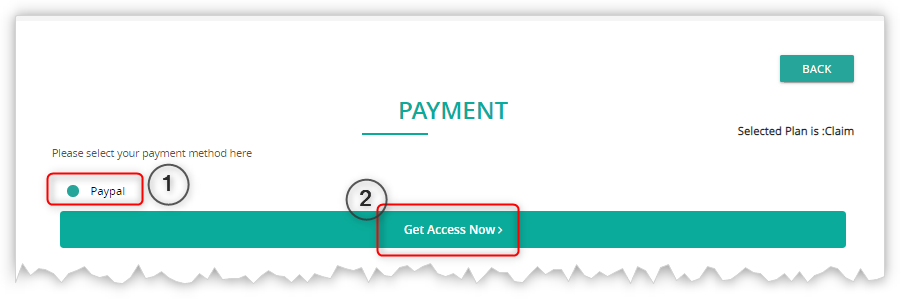
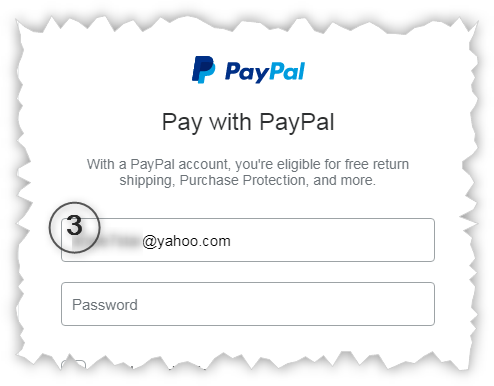
Step 5: Select payment method
Create your listing
If your business is not already listed in the directory, follow these steps:
Step 1: Register your business
Click the Register link at the top of the screen.

Step 3, Step 4, and Step 5: Fill in your details, select a plan, and complete payment
(Refer to the images above under “Claim your business”.)